
Build one room
A level has a manifest, world geometry, and its own textures. Create levels/room/, add a tileable surface.png, and save this as level.toml:
[level]
name = "levels.room"
kind = "world"

[world]
source = "world.yaml"

[[textures]]
name = "surface"
source = "surface.png"
profile = "environment"
Save this as world.yaml. X/Y describe the floor plan; Z is height. These coordinates make an eight-metre square room with a three-metre ceiling.
version: 19
rooms:
  - id: room
    rect: {width: 8, depth: 8, material: surface}
    floor: {c: 0}
    ceiling: {c: 3}
    floor_material: surface
    ceiling_material: surface
The build expands rect into four counterclockwise edges named south, east, north and west. Use those names for connections. For an irregular room or individual wall settings, use an explicit boundary instead of rect. Run karty schema for editor suggestions, or karty schema --check to check the world before processing assets.
Replace src/main.go with this room viewer. Change the import if your project has a different name. The camera starts at (2, 2, 1.7); the text shows loading errors above the scene. The CLI generates assets.LevelRoom from the manifest's logical name; the callback supplied to LoadLevel receives only that load's ready result.
package main

import (
	"example.com/my-game/.karty/assets"
	"example.com/my-game/.karty/engine"
)

type Game struct {
	engine.Game
	camera *engine.Camera3D
	label  *engine.Text2D
}

//go:wasmexport karty_register
func main() {
	game := &Game{}
	engine.Run(engine.Hooks{
		OnStart: func() {
			game.label = game.NewText2D("Loading room...", engine.NewVec2(24, 24))
			game.LoadLevel(assets.LevelRoom, func(event engine.LevelReady) {
				game.camera = game.NewCamera3D(event.Handle, engine.Camera3DSettings{
					Projection: engine.CameraProjectionPerspective, Output: engine.CameraOutputFull,
					Position: engine.NewVec3(2, 2, 1.7), VerticalFOV: 1.05,
					NearClip: 0.05, FarClip: 100, OrthoHeight: 10,
					ViewportWidth: 960, ViewportHeight: 540,
				})
				game.camera.SetLayer(-1)
				game.label.SetText("")
			})
		},
		OnLevelFailed: func(event engine.LevelFailed) {
			game.label.SetText(event.Diagnostic)
		},
	})
}
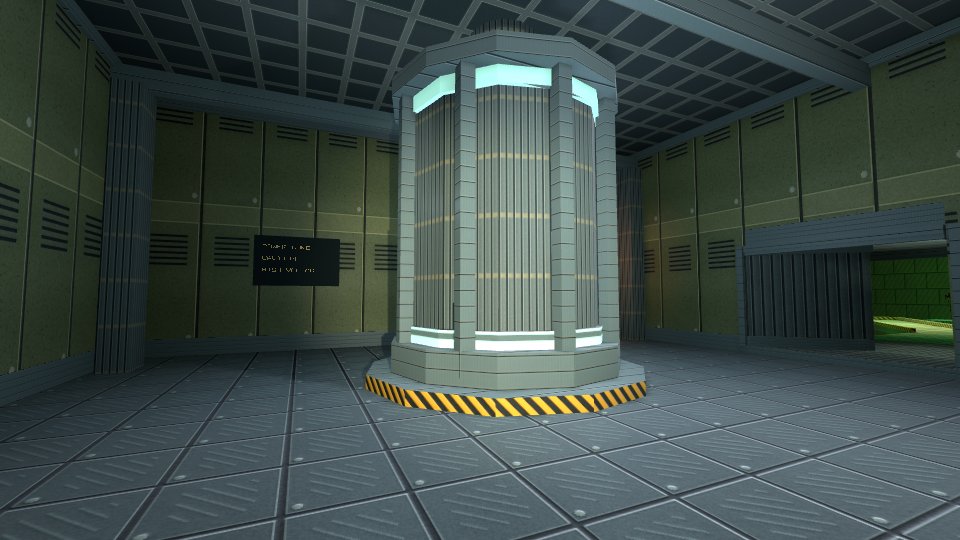
Run karty dev to view the room. Match the viewport to your karty.toml resolution if you change it. This camera stays still. Add first-person controls to walk around, or an isometric camera to view the room from above.
Add a second room only after you can explore the first. A connection names an edge in each room and opens a portal between them; see Hangar for complete connections, including a non-Euclidean portal loop.