Getting Started
Install the CLI
Download the Karty CLI archive for your operating system and CPU, then extract it.
- On Linux or macOS, put
kartyin~/.local/bin. Create the folder if needed.
Add export PATH="$HOME/.local/bin:$PATH" to your shell profile.
- On Windows, put
karty.exein a folder such asC:\Karty.
Add that folder to your user Path in Environment Variables.
Open a new terminal and run karty --help to check the installation.
Create a game
Create a project and start its browser preview:
karty new my-game
cd my-game
karty dev
Open the address printed by karty dev. The first setup downloads the tools your game needs. Later builds reuse them.
Keep karty.toml, Go source, and source assets in Git. The CLI recreates .karty/ and dist/. Use .karty/docs/ for the API reference that matches your project.
Choose your game
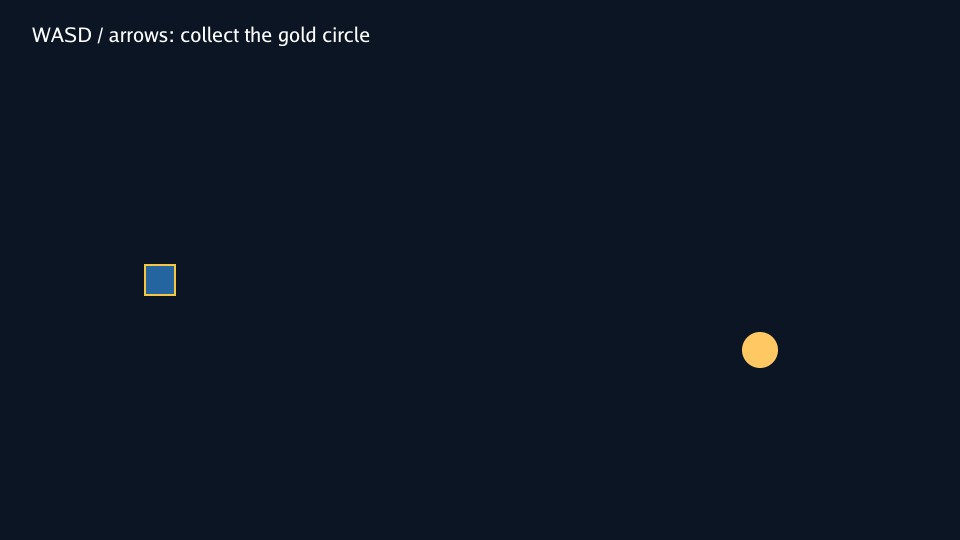
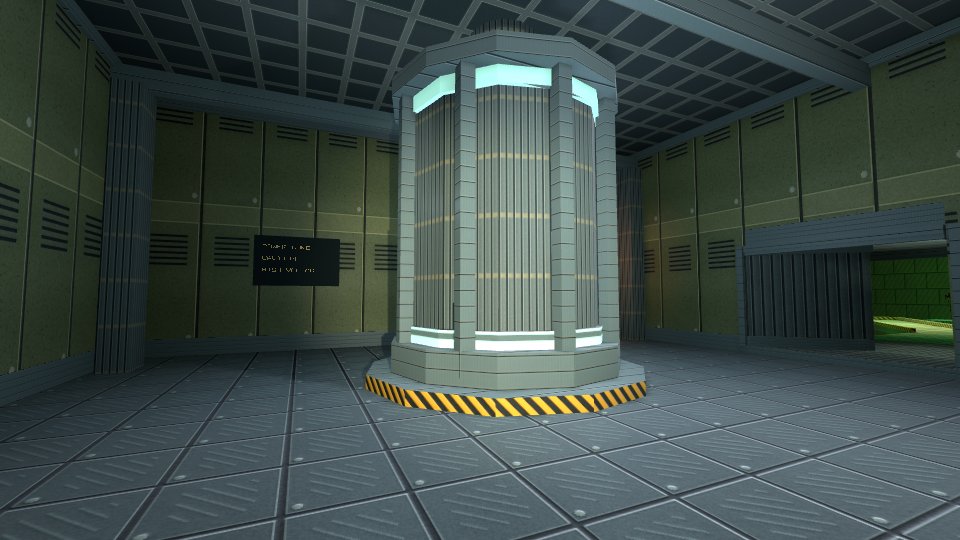
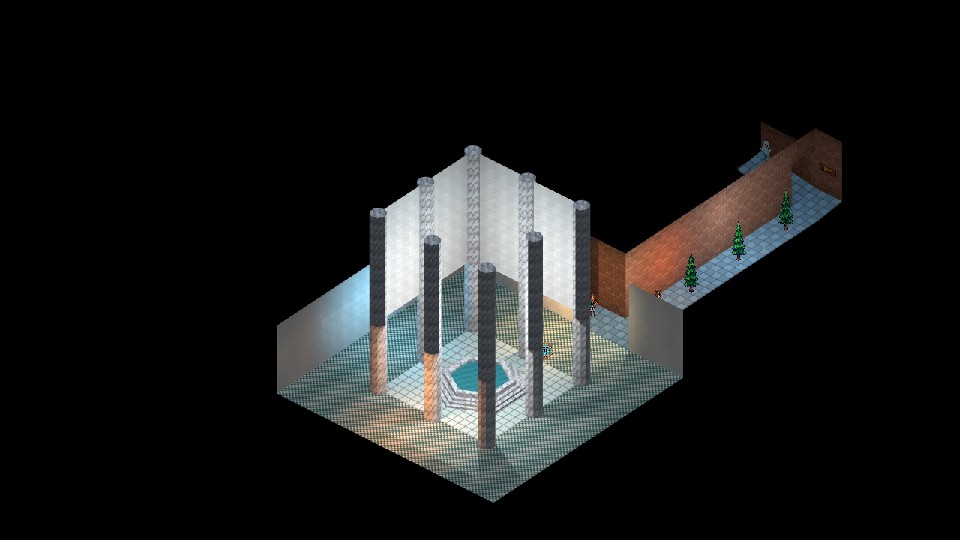
Choose the 2D game, first-person game, or isometric game guide.
The 2D path covers sprites, vector shapes, and text on a flat canvas. Menus and layouts and sound and video work with every game path.